

Key Takeaways
- Most "walking" stand mixers are just running too fast — knead dough at speed 2 or lower and the shuffle usually stops on its own.
- Overloading the bowl is the second most common cause: a 6-quart mixer handles roughly 4 cups of flour (about 700g of dough) at once — split big batches.
- Some creeping during stiff dough is normal physics, not a defect. A mixer that walks during a heavy knead can be perfectly healthy.
- The dime test — a dime should just fit between the beater and the bowl bottom — catches scraping before it chews up your bowl.
- DC motor mixers knead at low speed with high torque, which means less vibration and better stability than their AC motor counterparts.
The first time it happened to me I almost had a heart attack. Mid-knead, my stand mixer started inching across the counter — slow, deliberate, like it was trying to escape. I grabbed it, held it down, and finished the dough one-handed. A few loaves later I realized I was treating the symptom, not the cause.
Stand mixers don't walk because they're broken. They walk because of speed, weight, and grip — and usually you can fix all three in under a minute. This guide covers how to tell a normal shuffle from a real problem, then the fixes that actually stop it.
Is Your Mixer Walking, or Is It Failing?
Before you do anything, decide whether there's even a problem. This matters more than any fix below, because half the people searching this are fine and don't know it.
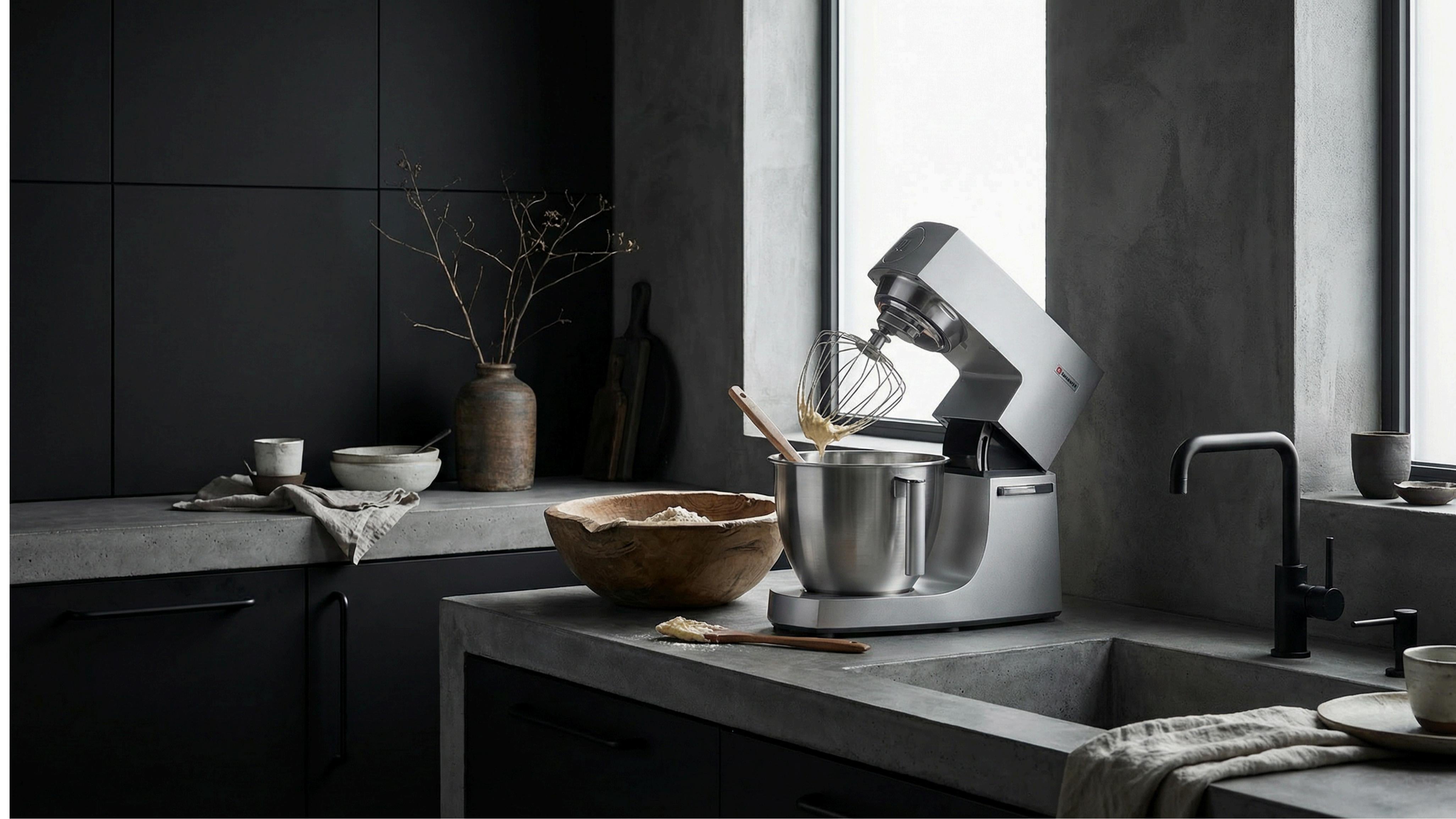
Mixers with a planetary mixing action — the motor turns the attachment one way while the head spins it the other — push against your dough with real force. Kneading a stiff, low-hydration dough at speed 2 generates enough torque to make the whole machine creep forward a few centimeters. That's expected.
You're dealing with a fault, not physics, when you see any of these:
- Vibration so strong the mixer visibly hops or bounces on the counter
- The bowl rattles against the machine or spins loose mid-mix
- The head wobbles side to side while the motor runs
- Movement that started suddenly after months of being fine
- A grinding or metal-on-metal sound along with the shaking
If none of those apply, skip straight to the habit fixes — your mixer is probably just doing its job on dense dough.
Why Stand Mixers Walk Off the Counter
Three things make a mixer move: speed, load, and grip. Knock out the first two and the third barely matters.
Speed is the number one culprit
KitchenAid's official guidance — repeated in Reddit's r/Breadit and r/Kitchenaid — is to knead dough at speed 2 and never above. At higher speeds, the dough hook thrashes the dough instead of kneading it, the machine vibrates hard, and your mixer walks. Slow it down and the movement drops off dramatically.
Think of it like stirring a thick pot with a spoon: fast doesn't help, it splashes. Slow, steady, and the pot stays put.
Overloading the bowl
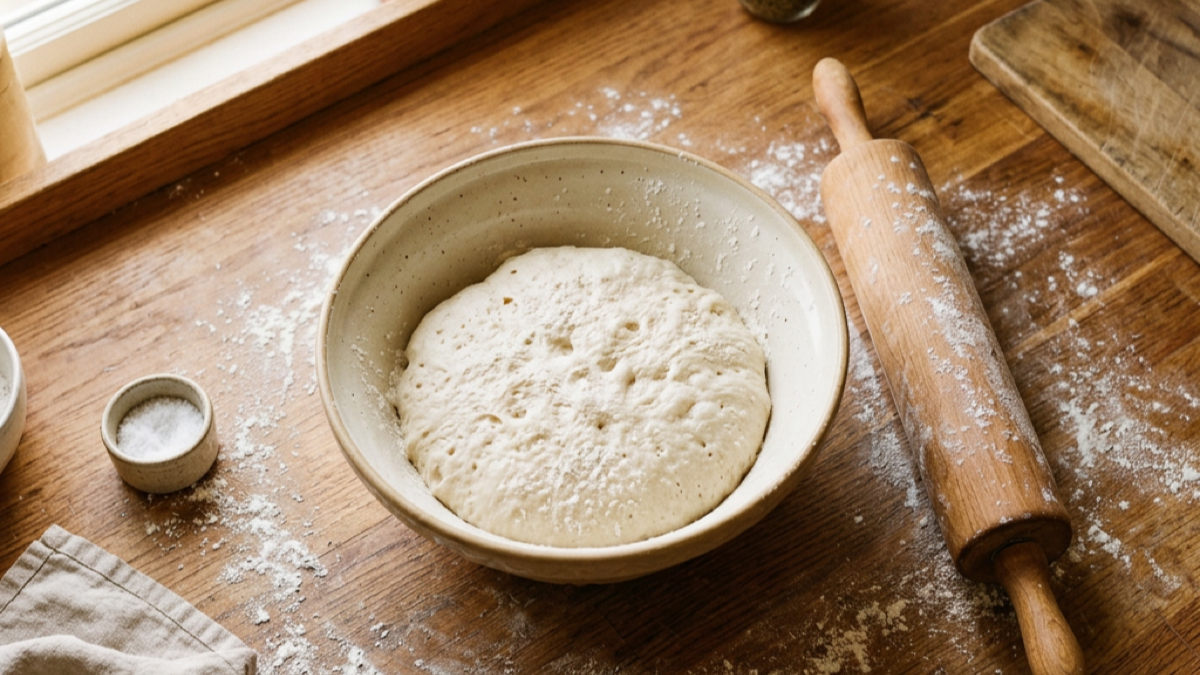
The most common "my mixer walks everywhere" thread on Reddit has the same answer from the top comment down: too much dough. A 6-quart stand mixer is built for roughly 4 cups of flour at a time — about 700g of dough. Double a recipe that's already at capacity and the machine can't handle the resistance, so it lurches instead of mixing.
If you bake bread for a big family, split the dough into two batches. Your arms do a little more work, but your mixer stops acting like a runaway Roomba.
What's underneath it
Smooth granite, quartz, and laminate counters offer almost zero grip. A heavy mixer on a slick surface will drift even at low speed. A cheap mat fixes it instantly.
Fix the Movement in Three Steps
Here's the routine that stops 90% of walking mixers, in order. Do these before you buy anything.
- Drop to speed 2 for kneading. Set the dough hook at 2, walk away, check every 2–3 minutes. If the mixer still crawls, your dough is too stiff or too heavy for the bowl.
- Split oversized batches. Keep dough at or under ~700g in a 6-quart bowl. A full loaf recipe is fine; two full loaves at once is not.
- Add grip under the base. A silicone baking mat, a rubber shelf liner, or a damp dishtowel folded under the feet gives instant traction.
Countertop Grip: Where Mixers Actually Slide
The feet and the surface work together, and one worn-out piece breaks the whole system.
Anti-slip mats vs. nothing
Mixer feet are usually hard rubber or plastic. On a sealed quartz or granite counter, there's simply not enough friction to hold a heavy machine in place under load. A silicone mat under the whole mixer — any non-slip silicone baking mat works — spreads the base area and grips the counter far better than bare feet.
A cheap alternative that works surprisingly well: wet a dishtowel, wring it out, fold it under the mixer. The damp fabric grips both surfaces.
Worn or missing feet
Check the bottom of your mixer. If the rubber feet are cracked, hard, or worn flat, replace them. A set of stick-on rubber furniture pads is a $5 fix that restores the grip a new mixer had.
When the Mixer Itself Is the Problem
Habits and grip fix most cases. But sometimes the machine genuinely needs attention, and three faults cause almost all "real" walking.
The beater is scraping the bowl
If the paddle or dough hook hits the bottom or side of the bowl, the machine jerks with every pass. This is the classic "jumpy" mixer complaint. The check is easy: the dime test. With the beater lowered and in place, a dime should just fit between the beater and the bowl bottom. If it pinches, the clearance is too tight.
KitchenAid mixers have an adjustable screw behind the head that sets this clearance. On most models you loosen it, adjust the height, and retighten. It's a 5-minute job with no tools beyond a screwdriver.
The head wobbles or won't lock
A wobbly tilt-head — especially on a mixer that's been dropped or heavily used — points to the hinge or the locking mechanism. On KitchenAid-style machines there's a screw at the base of the neck; tightening it snug usually removes most of the play. If the head doesn't lock down at all, the machine will rock as it runs, and that rocking gets read as "walking."
Worn drive or internals
If you've ruled out speed, load, surface, feet, clearance, and the head — and the mixer still thrashes — it's worth a professional look. This is rare. Most stand mixers that walk are being asked to do too much, not slowly dying. Don't tear into the gearbox over a little shuffling.
What to Look For in a Mixer That Stays Put
If you're shopping and stability is on your list, the spec that actually predicts it is the motor — not the advertised wattage.
Mixers with a DC motor develop high torque at low RPM. That matters for walking in two ways. First, a DC mixer kneads thick dough well at speed 1 or 2, so you're never tempted to crank it up — the main cause of walking just doesn't arise. Second, the motor runs smooth and quiet instead of vibrating the whole machine at high speed. A lighter AC motor mixer needs higher speeds to get through stiff dough — that's when walking happens.
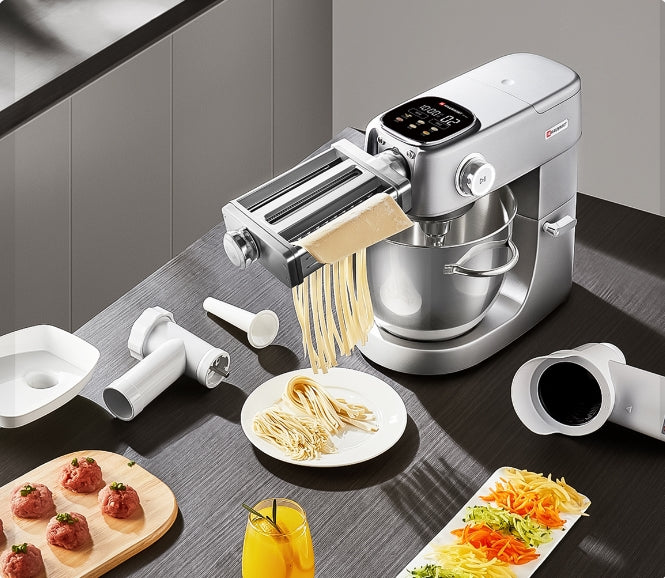
Hauswirt's M5max uses a 500W DC motor with rubber feet and handles up to about 1,500g of dough — double what a typical 6-quart bowl takes. So the two habits that stop walking (low speed, no overloading) are both built into how the machine behaves.
Frequently Asked Questions
Is it normal for a stand mixer to walk?
Some movement during heavy kneading is normal — stiff dough creates real torque, and any mixer will creep a little. Constant hopping, bouncing, or rattling is not normal and points to speed, overloading, worn feet, or a clearance issue. If it moves a couple of centimeters during a hard knead and is otherwise fine, you're probably okay.
Why does my stand mixer shake when kneading bread dough?
Mostly it's speed. Kneading above speed 2 makes the dough hook slam through the dough and the whole machine vibrates. Overloading the bowl has the same effect — the mixer can't turn the dough ball smoothly. Slow the speed to 2 and keep batches under about 700g in a 6-quart bowl, and the shaking usually drops way off.
What speed should I use to knead dough in a stand mixer?
Speed 2, and don't go above it. KitchenAid's own guidance says knead at 2; higher speeds thrash the dough, overwork the motor, and make the mixer walk. Use speed 2 for bread, pizza, and pasta doughs, and let the machine work for 5–8 minutes instead of trying to rush it.
Will a heavier stand mixer stop it from walking?
Partly. Heavier mixers resist motion better because of inertia, and some commercial machines barely budge even on stiff bagel dough. But weight alone doesn't fix a mixer that's running too fast or overloaded — a heavy machine that's overworked will still shake. Motor type matters more: a DC motor kneads smoothly at low speed, which is the real fix for walking.
Can I just put a silicone mat under my stand mixer?
Yes, and it's the fastest fix that exists. A silicone baking mat or rubber shelf liner under the base adds instant grip on smooth counters. It won't fix a mixer that's running too fast or overloaded — but combined with speed 2 and reasonable batch sizes, it stops most walking completely.
Is my stand mixer ruined if it walks around?
Almost certainly not. Walking is a symptom of how the machine is being used, not a sign of internal damage. Correct the speed, the batch size, and the grip, and the mixer keeps working normally. If you hear grinding or metal-on-metal along with the movement, that's when you get it checked.
What to Do Next
Walking and noise are two sides of the same story — if yours is loud too, the why your stand mixer is so loud guide covers decibels and fixes. For the full care routine that keeps a mixer running for years, start with the Stand Mixer Maintenance Guide, and if you knead daily, the dough hook guide covers speed by dough type. Curious how a DC motor handles stiff dough without the shuffle? Check the Hauswirt M5max or browse the full stand mixer collection.
Related Reading
This article is part of our Stand Mixer Maintenance Guide — daily, monthly, and yearly care to keep your mixer running for 15 years.
The Bottom Line
A stand mixer that walks across the counter is almost never dying. It's being run too fast, loaded too heavy, or set on a surface with no grip. Drop the kneading speed to 2, keep batches under about 700g in a 6-quart bowl, and put a mat under the base — that fixes the overwhelming majority. Watch for the three real faults — beater scraping, a loose head, worn feet — and check them with the dime test before you worry about anything more expensive. When you do shop for a new one, the DC motor spec is what actually keeps a mixer calm under a heavy load.
Sources
- KitchenAid Product Help, "Making Bread in a Stand Mixer" — official guidance that bread dough should be kneaded at speed 2 and never above.
- Reddit r/Breadit, "Is it normal for it to buck around?" (5y ago) — owner-reported kneading behavior and the speed-2 consensus, 1.1K upvotes.
- Reddit r/Kitchenaid and r/Cooking threads on mixer movement — real-world reports of overloading and dough hook clearance causing walking.
- America's Test Kitchen stand mixer testing — general expertise on planetary mixing action, motor types, and how torque at low RPM affects stability.
- AppliancePartsPros, "How to Keep a KitchenAid Stand Mixer From Moving While Mixing" — repair-side notes on feet, mats, and clearance adjustment.
- Hauswirt M5max product specifications — 500W DC motor, 6-quart bowl, ~1,500g dough capacity, rubber base feet.
